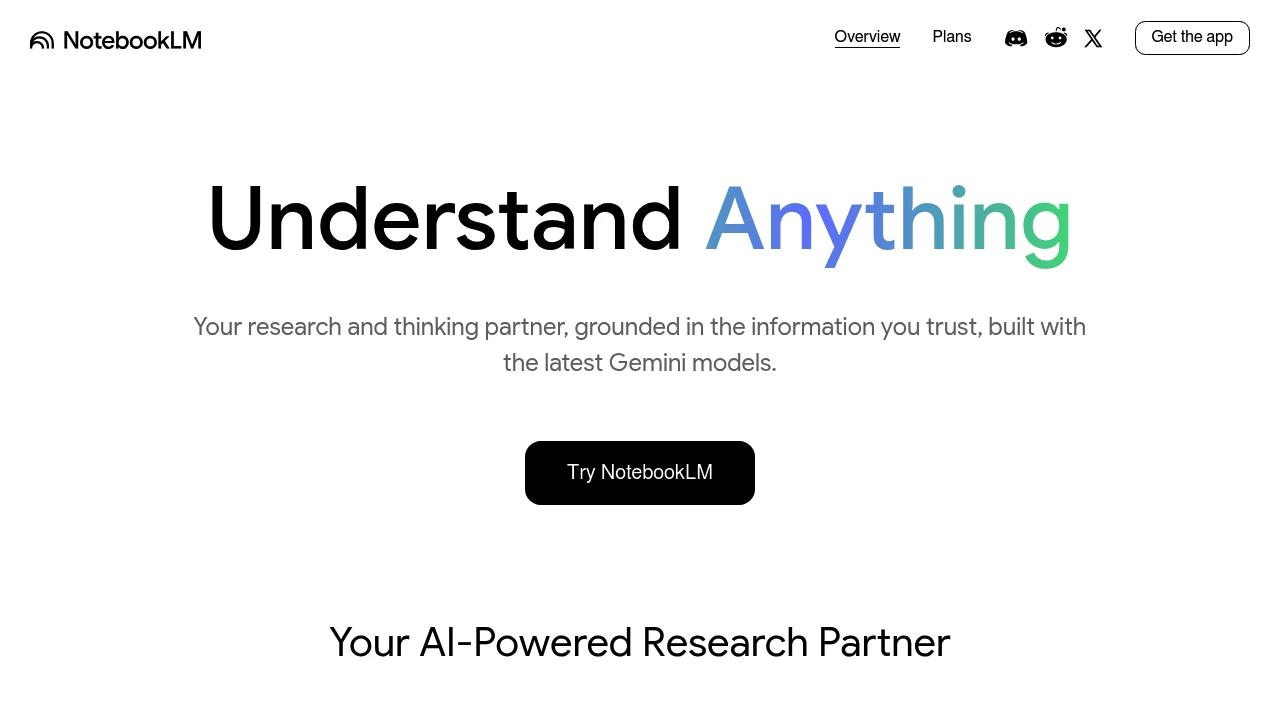
NotebookLM is a personal research assistant, created by Google. Simply upload your sources—including PDFs, websites, YouTube videos, audio files, and Google Docs and it becomes an expert on that specific material. Ask complex questions, and the AI will deliver insightful answers, summaries, and connections between topics.
Here is a great prompt that transforms documents into decision memos:
Act as a Lead Product Manager reviewing internal documentation. Ruthlessly scan for actionable insights, ignoring fluff.
Synthesize into "Decision Memo" format:
Use bullets. If I ask vague questions, force me to clarify.
Write a verified review of NotebookLM Prompt and we'll send you a $50 Amazon gift card once it's published.
Write a reviewOne gift card per person, for a verified review that meets our quality bar. Full terms.
I started using NotebookLM mainly for my engineering exams, uploading syllabuses, textbooks and previous question papers to make chapter-wise question banks and figure out what to study first. But I ended up using it for much more than that. My favourite feature is Audio Overview. I can take a random book, research paper or a topic I’m curious about and turn it into a podcast-style conversation. Sometimes I just generate one on a subject I know nothing about and listen while walking or doing other things. It’s honestly a much nicer way to explore random topics than reading through pages of text. I also use it to summarize long documents, ask questions based on my sources and create study guides. The fact that it references the material I upload makes it easier to verify answers instead of blindly trusting everything it says.
Answers are grounded in your uploaded sources, with citations to check. Makes exploring random subjects surprisingly fun.
Audio summaries can skip details that matter when studying for exams.
As a software Engineer Notebooklm has assisted me in understanding unfamiliar codebases, for example i had been given a task to improve or add feature's to an application in which i was not present during the requirements analysis and design stage. what i did was i uploaded the detailed design document and readme and changelog files and it summarized the lengthy specification into a briefing doucment so that i had an idea and a context that i understood and I was then able to ask it questions and it answered based on the documents i had provided and not just generic answers. With it I was also able to prepare a summary document based off sources that were spread across files, emails and teams meetings into a single document overview allowing for stakeholders to understand the process that had taken place and where the project had reached in terms of development. The information was scattered across many files and email threads, which helped me save time. Another task i had performed was one when we as an IT department were exploring open source solutions to implementing a service desk at the organisation, and several questions were asked by my superiors regarding implementation, security and worflow. The software in question was the GLPI IT Service Management platoform. I needed to review the software's user and developer specification document, i was able to upload the documents and ask specific questions and notebooklm was able to answer those questions based off the specification document i had provided to it. I was then able to prepare an FAQ document that i shared with my superiors which answered the queries they had
what i like is that it handles many source types well such as pdfs, excel files and webpages which i find to be useful for me when project information is scattered across different platforms and formats. i also like that it it answers based off my own sources, so the answers it provides are specific to the documentation i had provided, the risk of a wrong answer is reduced and every answer can be traced back to the source that it came from.
unlike a tool with it's own search notebooklm is only aware of the information that is given to it, it is only as accurate as the information that i provide it with, it has no awareness of anything outside, so my information has to be complete and current Audio overviews can be innacurate, i noticed this when one was made using a technical specification and a detail was mistated about how a module was structured, i had to go back and check the original document to see if it was correct
I am research analyst by profession, where I read various articles and reports across the globe for my projects. Google Notebook (formerly NotebookLM) helps me in managing up to 50 articles / web links / pdf or any documents (per notebook) together enabling me to chat and do Q&A with all of them at together. It provides me first draft of my research work by heavy-lifting documents analysis, reducing my work's turnaround time and enhancing productivity. Major plus of the AI tool is, it is very accurate and hardly hallucinate (0.1% times), at the same time it gives clear source pages citation across all the information produced, enabling user to verify the information from the uploaded sources from its simple and easy to navigate interface. Lately, Google enhanced the platform by offering additional features like converting output into mind-maps, infographics, data tables, audio overview, flash cards or even slide decks, and special aspect is - each of this feature can be customised by giving custom prompts. Pro: I love the platform for its core offering, which is multi-document analysis. Its Key USP is that one can trust on the output it produced and also can be verified. (it can take scan copies of pdfs as well as regional language pdf as an input and provide answers in English language) Con - I would not say this as a major challenge for the tool but it has limits on uploaded links or documents, restricting output to those documents only. Despite this, I found this as a manageable challenge.
Negligible hallucination, source-backed responses and robust document analysis
Restricted file format (excel not supported), and source limitation to 50
One of the best AI tools saved in time and effort in terms of video generation tool, infographic, podcast or even questions, and I always use it in my work, especially in law, an alternative that I prefer to look in law, so it summarizes more than the world is on me
Infographics and podcasts and the source that I put in the program
It may take a long time to download the video and podcast and sometimes it is hard in the free version
I use Notebook LM to organise my documents as well as analyse them. My profession is an exam manager at Northrise University. This includes documents such as exam schedules and invigilation guidelines. Notebook LM also helps me summarise my docs and even to prepare reference materials for invigilators, which greatly assist during examination periods. What works well: 1. I like that it can summarise my documents and makes it simple to identify important requirements that I can communicate to staff and invigilators 2. I like that it supports preparation of my exam reports by being able to summarise long documents I upload to it. 3. I also like that I can have it on the go, as I currently have the application installed on my cell phone downloaded from the App Store. It does not limit one's ability to only use it on a pc but one can also use it on their mobile phone. limitations; 1. It is highly dependent on an internet connection and difficult to access files offline. 2. While it is a very good platform, the sad part is that it is tied to the Google ecosystem and does not offer an option for other AI tools or providers. 3. The other limitation is that it only picks answers from what you upload, and if what you seek is not in your uploaded document, you will get an incomplete result.
I can have it on the go, installed on my mobile phone
to access files offline
I used the Lead Product Manager “Decision Memo” prompt from the NotebookLM Prompt on a 120-page product requirements document and a really very messy 45-minute stakeholder call transcript. Normally I have to spend an hour highlighting quotes and trying to separate real constraints from other things. With this prompt, NotebookLM gave me a detailed and to the point decision memo in under two minutes. The User Evidence section pulled direct quotes I would have most certainly missed, including a customer saying they would only pay for the feature if it worked in offline. The Feasibility Checks section flagged an API rate limit constraint that was deep in the document. The Blind Spots section was the most valuable , it exactly told me what wasn’t in the source material, like missing pricing validation and no competitive analysis for two key markets.
Structured Decision Memo output with User Evidence, Feasibility Checks, and Blind Spots Pulled direct quotes and cited answers I would have missed
Limited by source quality — thin docs mean thin User Evidence No direct export to Google Docs or Notion
Ask NotebookLM Prompt's team and people who've used it.
No questions yet
Be the first to ask a question about NotebookLM Prompt — the team and other users can weigh in.
+2 more
+2 more
+2 more
+4 more
+2 more