
Constant Contact Reviews
Automate newsletter scheduling, contact list segmentation, and customer follow-up campaigns without managing complex marketing software.
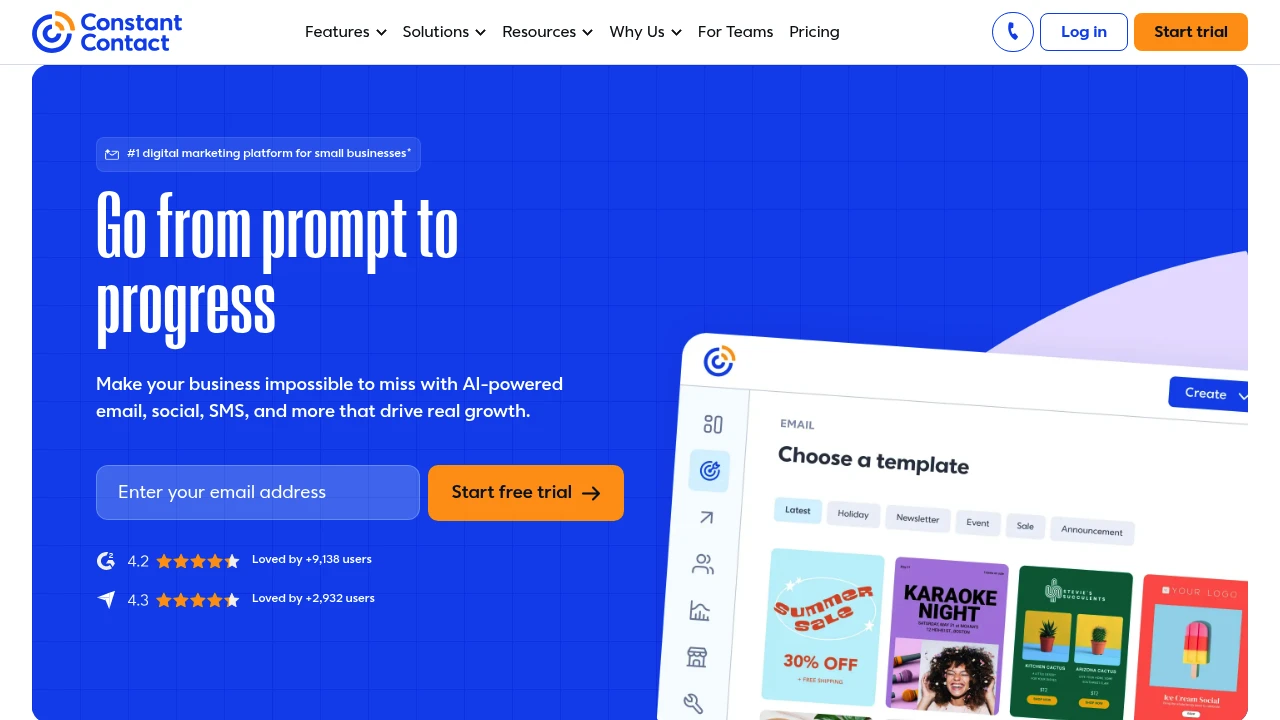
Small business owners and nonprofit coordinators use Constant Contact to run regular email updates, event promotions, and SMS dispatches.
Setup starts by uploading contact lists or syncing subscriber data from an e-commerce storefront. The audience organizes into distinct segments based on past interactions or manual tags. Moving into campaign creation, you pick a layout, drag in text blocks, insert images, and tweak copy using the built-in AI drafting assistant.
Once an email schedules or fires immediately, the dashboard tracks open rates, bounces, and link clicks in real time. From there, follow-up sequences trigger based on whether a recipient opened the message or clicked a link, allowing you to nurture new leads automatically. It works well for straightforward broadcast schedules, though teams needing complex behavioral webhook trees will find the logic options basic.
Constant Contact Key Features
- AI Campaign CreationCreate content and launch marketing campaigns 23% faster with AI tools.
- Email MarketingCreate, send, and track campaigns with access to hundreds of email designs.
- SMS and Text MarketingExpand your reach and connect directly with customers through text messaging.
- Marketing AutomationSave time and drive growth with automated marketing tools.
- List Building and GrowthBuild your email list and turn social followers into direct contacts.
- Event ManagementCreate, market, and promote your events.
- App IntegrationsConnect your favorite apps and workspace tools to streamline marketing workflows.
Write a verified review of Constant Contact and we'll send you a $50 Amazon gift card once it's published.
Write a reviewOne gift card per person, for a verified review that meets our quality bar. Full terms.


